This article describes how to set up a VR headset to start using it for Cintoo Workspace.
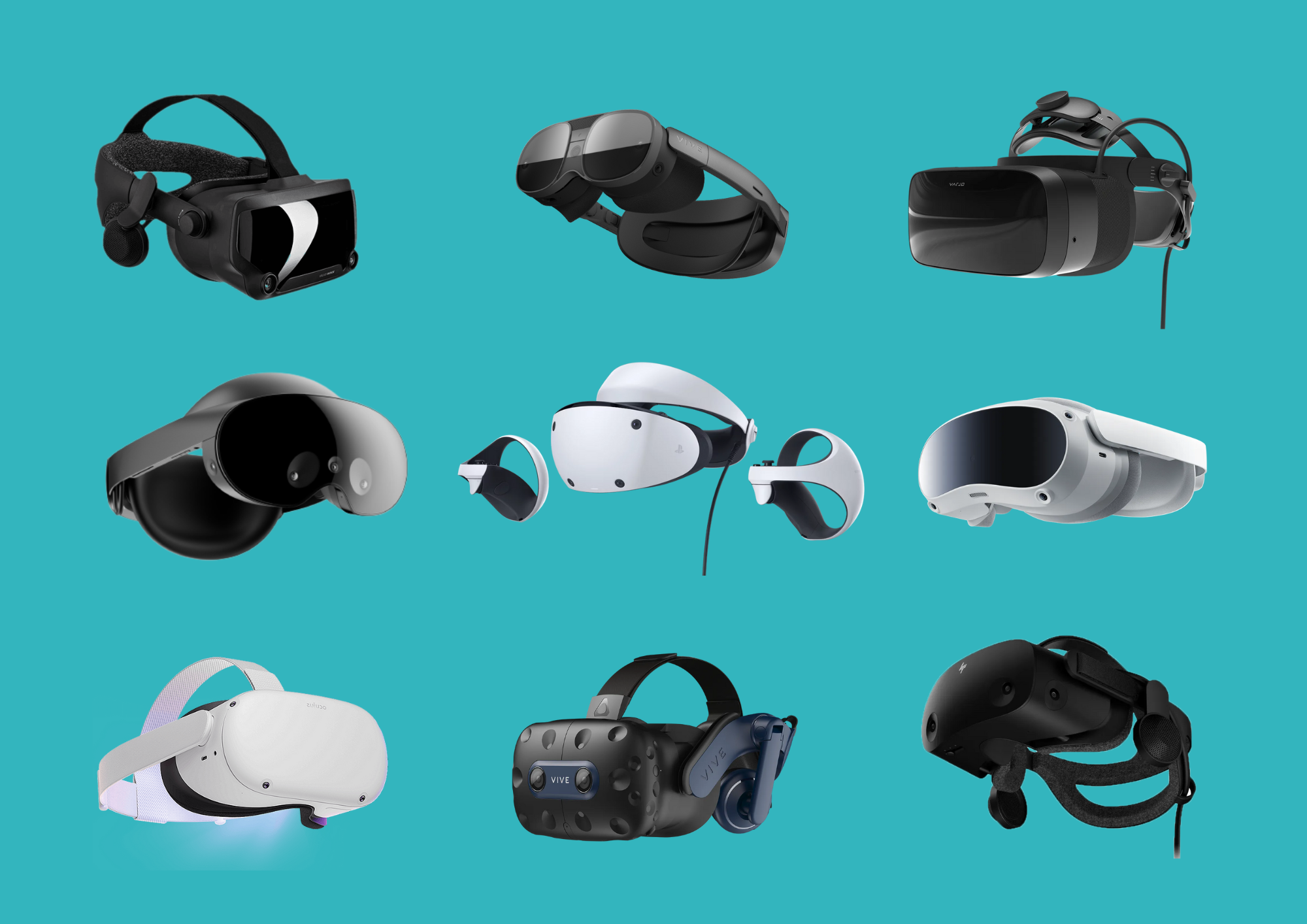
There are several VR headsets that are certified and tested to be used with Cintoo Workspace application:
- Meta Quest 2, 3
- HTC Vive Pro 2
- HTC Vive XR Elite
- Pico devices
Additionally any device compatible with Steam VR could be used.
Based on VR headset please install corresponding software. Use links to the websites of hardware manufacturers below to correctly install every component.
Meta Quest 2
- Set up your device - How to set up your Meta Quest 2 headset
- Download Meta Quest Link application - Install the Meta Quest Link app for your PC
- Set up Meta Quest Link and Air Link - Set up and connect Meta Quest Link and Air Link
Meta Quest 3
- Set up your device - Set up your Meta Quest 3
- Download Meta Quest Link application - Install the Meta Quest Link app for your PC
- Set up Meta Quest Link and Air Link - Set up and connect Meta Quest Link and Air Link
HTC Vive Pro 2
- Set up your device - Set up Vive Pro 2
- Install Steam VR to establish headset - PC connection for streaming - Steam VR
HTC Vive XR Elite
- Set up your device - Set up Vive XR Elite
- Install Steam VR to establish headset - PC connection for streaming - Steam VR
Pico devices
- Set up your device - Set up Pico devices
- Download Pico Connect or install Steam VR to establish headset - PC connection for streaming - Steam VR
After the device is set up Discover Cintoo Workspace application.
Was this article helpful?
That’s Great!
Thank you for your feedback
Sorry! We couldn't be helpful
Thank you for your feedback
Feedback sent
We appreciate your effort and will try to fix the article